Give Your Child a Smartphone — Without Becoming Their Full-Time Phone Police.
A practical, step-by-step guide to setting up real boundaries on iPhone or Android — plus the exact words to use so those boundaries actually stick. No technical expertise required.
You Handed Them a Phone. But Nobody Handed You the Rulebook.
A smartphone is genuinely useful — for schoolwork, staying in touch, safety, and growing independence. But it also arrives with no practical instructions for the part that actually matters.
- Apps show up that you didn't approve.
- A purchase happens that you didn't expect.
- Someone messages your child that you don't recognize.
- Content appears that your child wasn't ready for.
- Screen time creeps past what feels reasonable.
- The same conversation about "putting the phone away" happens again, and again.
You set a rule on Monday.
By Wednesday you're arguing about it.
By Friday you're wondering whether the rule is even working.
What if you could set the important boundaries clearly, explain them without turning the conversation into a battle, and have a simple system for reviewing them as your child grows?
The Goal Isn't Zero Screen Time. It's Managed Screen Time.
This guide doesn't advocate eliminating technology. It's built around age-appropriate access, clear boundaries, and rules that can grow as your child does.
Not This
- ✕ Constant surveillance
- ✕ Endless arguments
- ✕ Locking everything down
- ✕ Treating your child as untrustworthy
- ✕ Changing the rules every day
Instead
- ✓ Clear boundaries
- ✓ Shared expectations
- ✓ Age-appropriate access
- ✓ Better conversations
- ✓ Gradually earned independence
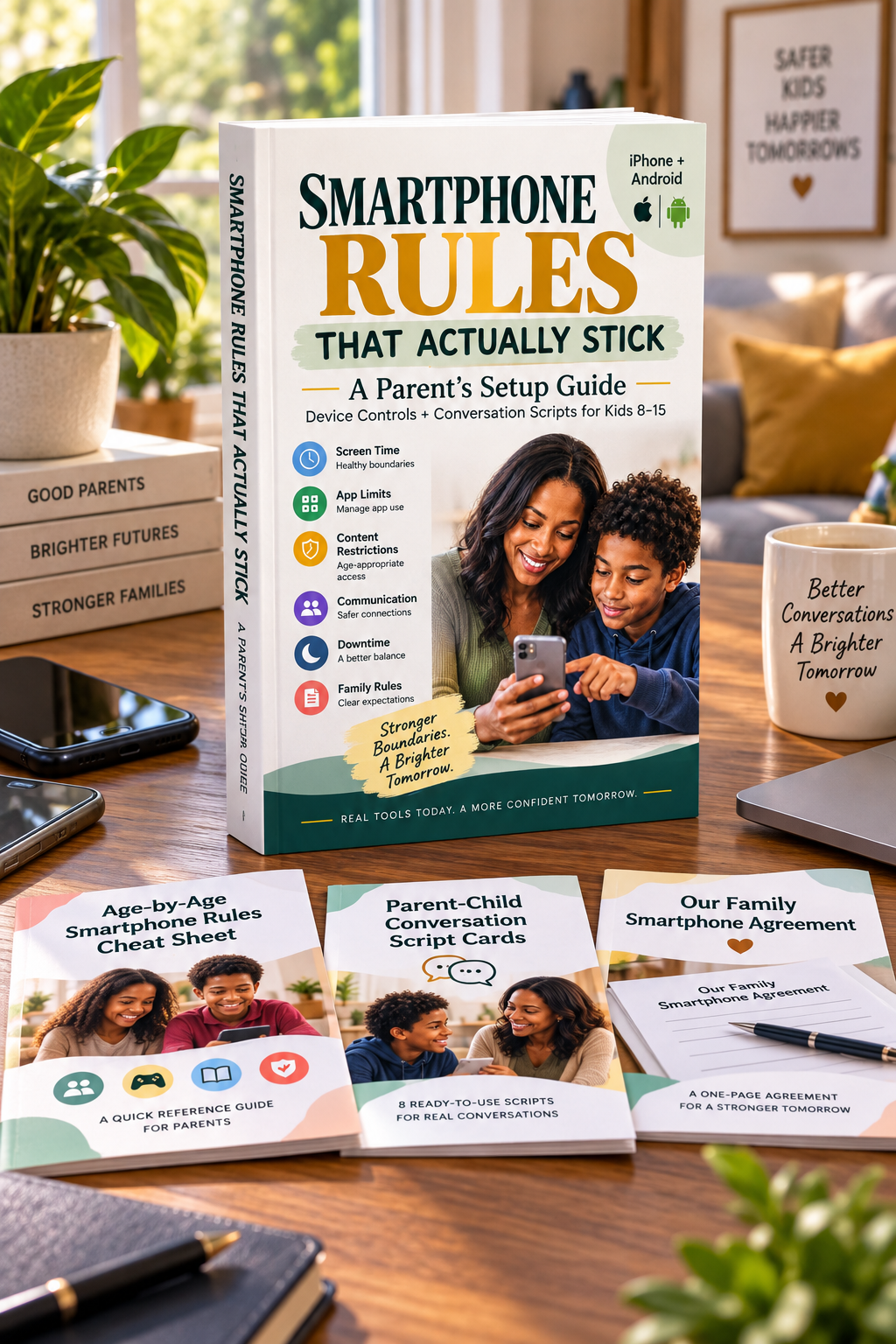
Smartphone Rules That Actually Stick
A practical, step-by-step guide for parents who want to set up a child's smartphone properly — without spending hours searching through settings menus, parenting forums, and conflicting advice.
Set Up the Phone
- iPhone / iOS Screen Time walkthrough
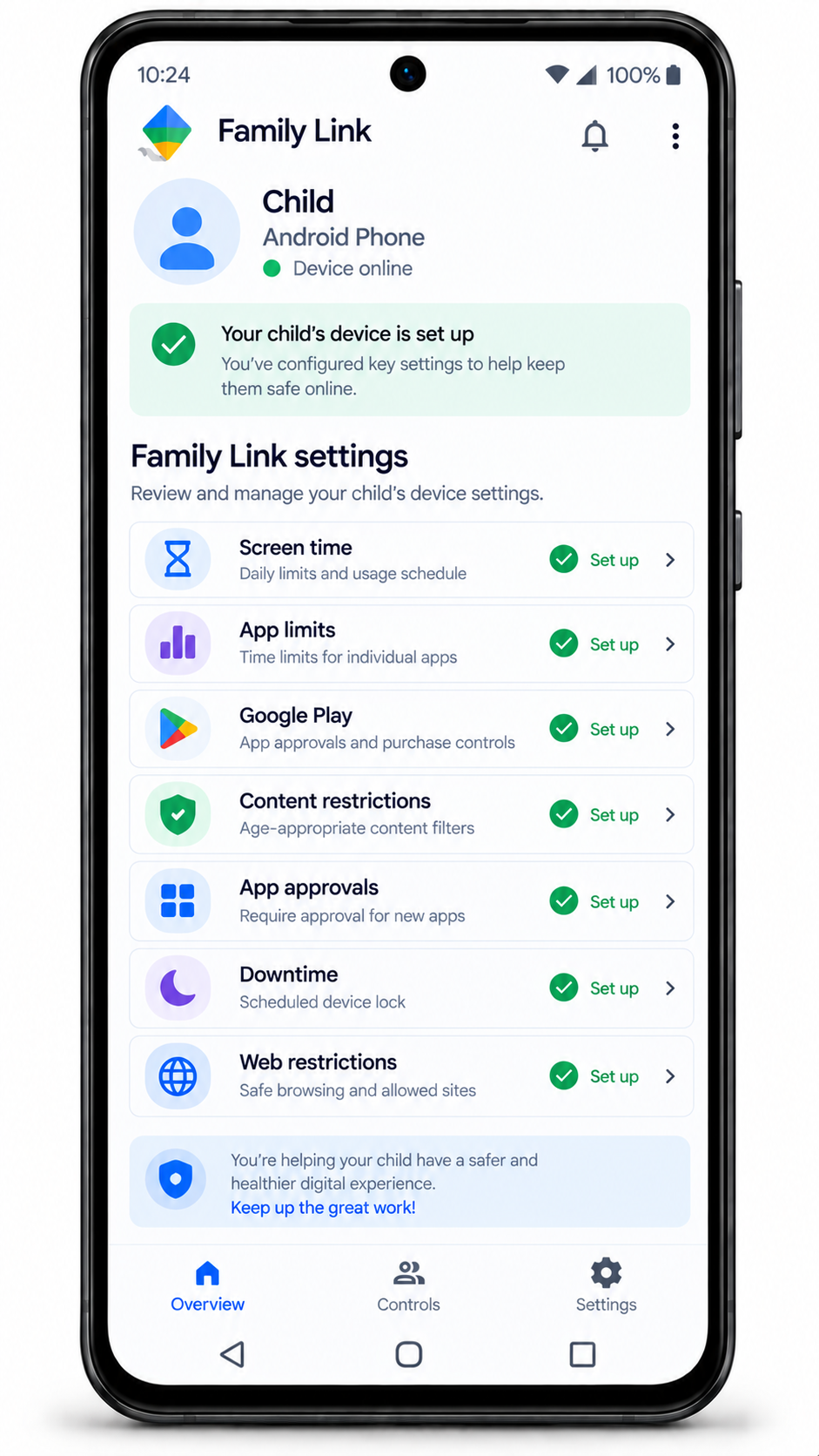
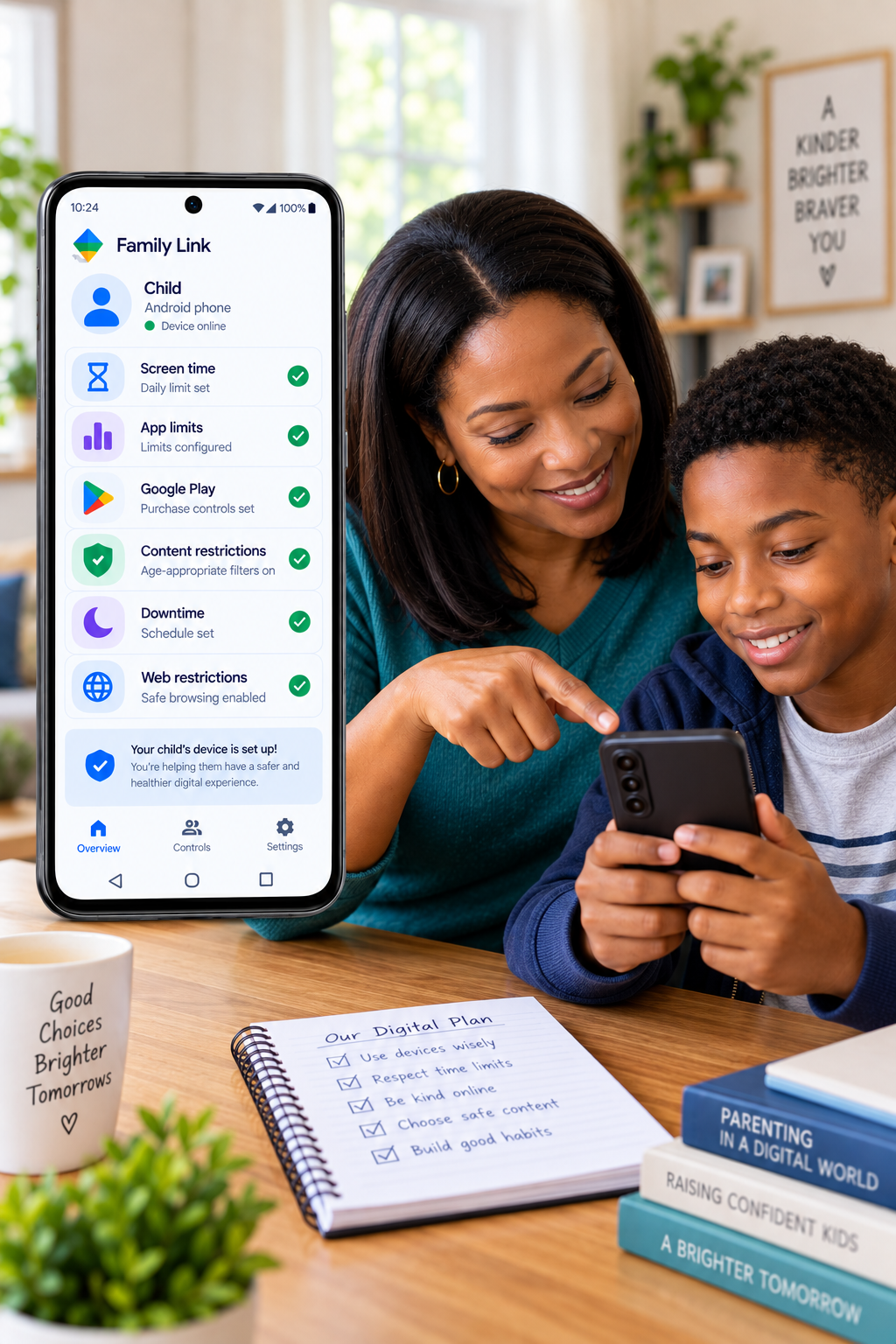
- Android / Google Family Link walkthrough
- App installation and purchase controls
- Age-appropriate content restrictions
- Communication controls
- App limits and downtime/bedtime controls
Make the Rules Stick
- How to introduce the rules
- How to handle resistance
- What to say when a rule is broken
- A shared family agreement
- A simple monthly check-in
- How to gradually increase independence
What's Inside the Guide
Everything is organized so you can find exactly what you need — setup steps, scripts, or the agreement — without reading the whole thing first.
iPhone Setup
Step-by-step guidance for using Screen Time and the built-in controls that matter most.
Android Setup
Use Google Family Link to manage the important controls on your child's Android device.
App & Purchase Controls
Reduce unwanted downloads, installations, and unexpected purchases.
Content & Communication Controls
Configure age-appropriate content settings and who can reach your child.
Age-Banded App Guidance
Understand what deserves closer attention across ages 8–10, 11–13, and 14–15.
Family Phone Rules
A simple agreement you and your child can discuss, complete, and sign together.
Conversation Scripts
Know what to say when introducing the rules, handling pushback, or responding to a broken rule.
The Monthly Check-In
A simple ten-minute conversation that keeps the system working as your child grows.
From "I Hope I've Set This Up Correctly" to "I Know What We're Doing."
Before
"I don't know which settings matter."
"I'm constantly arguing about screen time."
"I worry about what my child can access."
"I don't want to spy on them."
"I don't know when to loosen restrictions."
After
"I know which controls to configure."
"My child knows what we agreed."
"We have clear boundaries."
"I have words to use when difficult conversations happen."
"I know how to review and adjust the rules."
Most Parental-Control Advice Stops at the Settings Screen.
There are plenty of technical instructions online. But knowing where a setting lives doesn't answer how to explain it to your child, what to say when they push back, or when to loosen the restrictions. This guide combines the technology with the human side.
Device Controls
- iPhone
- Android
- Apps
- Purchases
- Content
- Communication
- Screen time
- Downtime
Parenting Tools
- Family rules agreement
- Conversation scripts
- Pushback responses
- Broken-rule conversation
- Monthly check-in
- Gradual independence plan
Because the settings are only half the solution.
Get 3 Practical Bonuses With Your Guide
Because knowing what to do is helpful. Having the tools ready to use is even better.
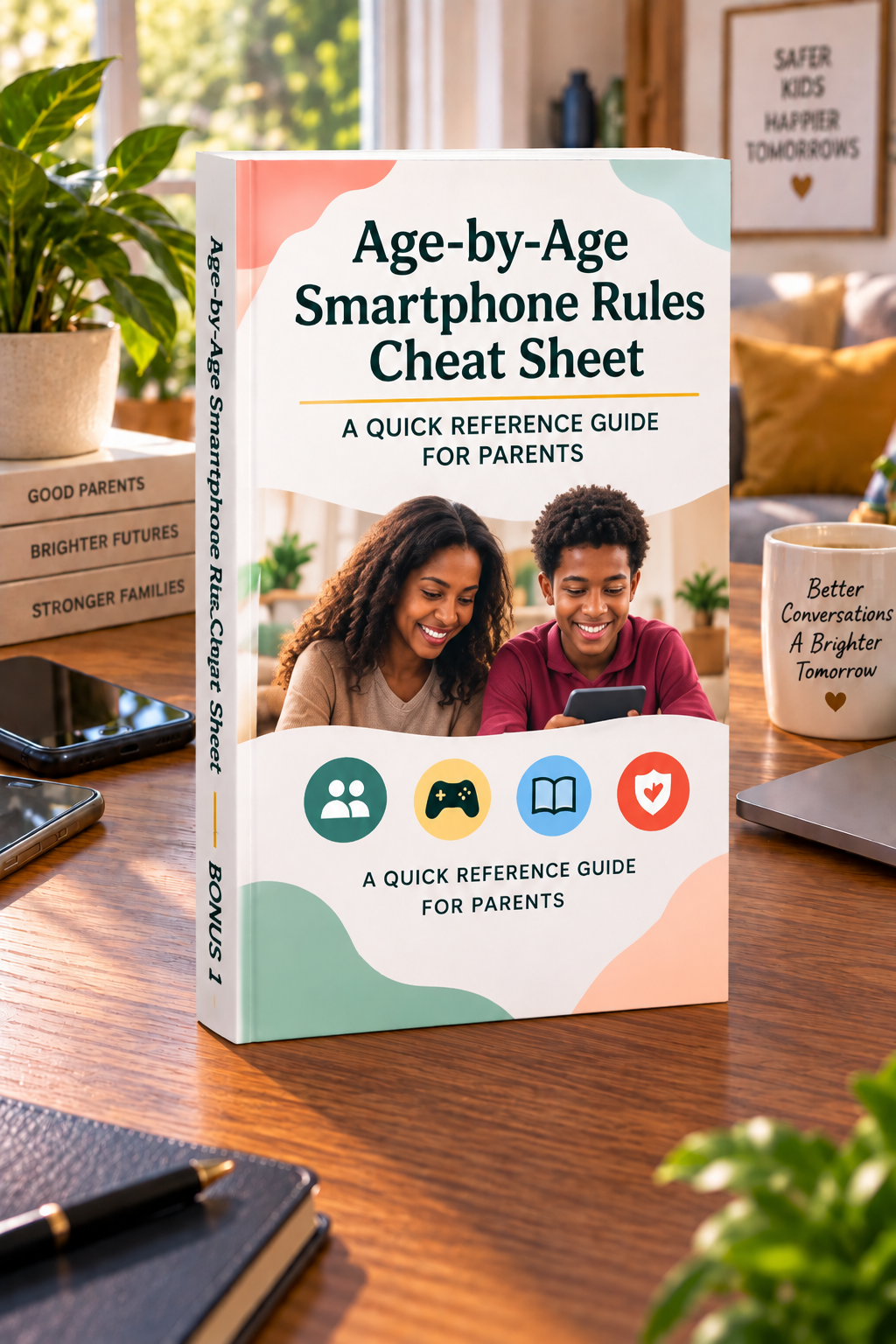
The Age-Specific Smartphone Safety Cheat Sheet
A quick-reference sheet covering ages 8–10, 11–13, and 14–15 — what level of independence may be appropriate, which apps deserve closer attention, and when to shift from supervision toward trust.
Your one-page reference when you're not sure what's appropriate for your child's age.

Conversation Script Cards
Ready-to-use language for introducing the rules, responding to "you don't trust me," handling pushback, addressing a broken rule, a new app request, and loosening a restriction.
No more wondering what to say when emotions take over.

Family Phone Agreement
A ready-to-use agreement covering responsible ownership, asking before downloads or purchases, screen-time boundaries, talking to a parent when something feels uncomfortable, and monthly review.
Turn the rules from "Mom and Dad's rules" into an agreement you make together.
Your Complete Smartphone Boundary Kit
Built Around What Parents Actually Need
- ✓Designed for parents of children ages 8–15
- ✓Covers both iPhone and Android
- ✓Combines device setup with conversation guidance
- ✓Includes practical, ready-to-use scripts
- ✓Includes a family agreement to sign together
- ✓Includes age-specific guidance for three age bands
- ✓Includes a simple monthly check-in approach
- ✓Takes a realistic approach instead of promising perfect online safety
You Don't Have to Become Your Child's Phone Police.
This guide isn't designed to encourage monitoring your child's every action. The goal is boundaries without unnecessary surveillance.
"Your child needs guidance, not the feeling that they're under permanent investigation."
The guide helps you establish boundaries while leaving room for trust and increasing independence. As responsibility grows, the rules can grow too.
Common Questions
I'm not good with technology. Can I use this?
Yes. The guide is designed to walk you through the important controls without requiring technical expertise.
Does it work with both iPhone and Android?
Yes. The guide covers iPhone Screen Time and Android Google Family Link.
Is this a spying guide?
No. It focuses on practical boundaries, age-appropriate access, communication, and growing trust.
What if my child gets angry about the rules?
The guide includes conversation scripts designed to help you introduce boundaries, respond to pushback, and address broken rules without immediately turning the situation into a punishment battle.
My child is 14 or 15. Isn't it too late?
No. The guide covers ages 8–15 and emphasizes increasing independence as responsibility develops.
Will this completely protect my child online?
No setting or guide can eliminate every online risk, and we won't tell you otherwise. The purpose is to reduce avoidable problems and give you a practical framework for managing access and having better conversations.
Do I need another parental-control app?
The guide focuses on built-in iPhone Screen Time and Google Family Link, so you can begin with tools already designed into the major platforms.
What exactly do I receive?
The Smartphone Rules That Actually Stick ebook, plus three bonuses: the Age-Specific Smartphone Safety Cheat Sheet, Conversation Script Cards, and the Family Phone Agreement.
Get the Complete Smartphone Boundary Kit
Everything you need to set up the phone, establish the rules, and start the conversation.
- ✓ Smartphone Rules That Actually Stick
- ✓ Age-Specific Smartphone Safety Cheat Sheet
- ✓ Conversation Script Cards
- ✓ Family Phone Agreement
What Could This Save You From?
Your Child Doesn't Need a Perfect Phone.
They Need a Thoughtful Parent With a Clear Plan.
You don't need to know everything about technology. You don't need to become a full-time phone monitor. And you don't need to figure out the rules from scratch. You simply need a practical place to start.